







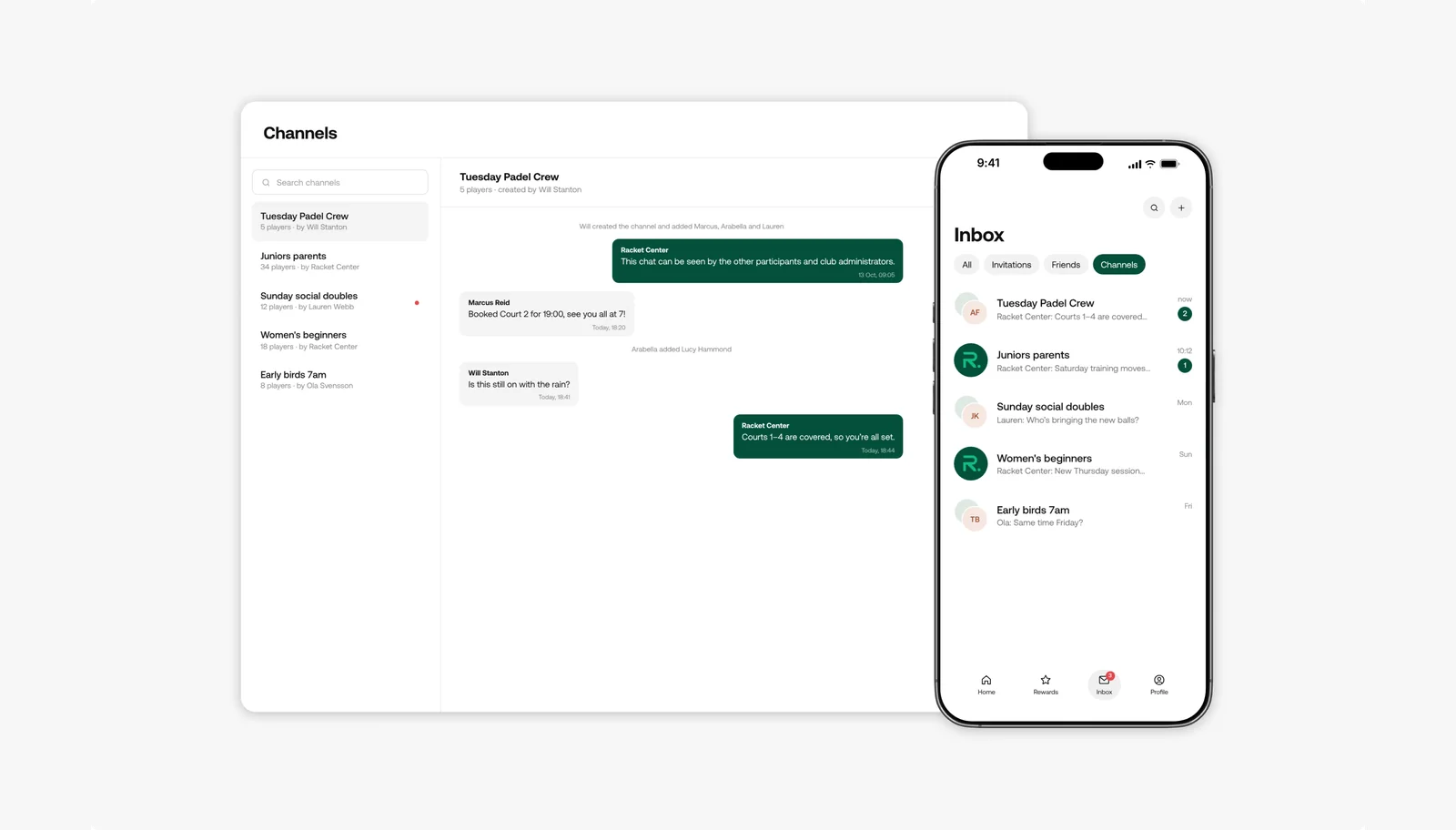
Clubs can now run community channels: ongoing group chats for their players, right inside the club’s player app. Create a channel for your Tuesday social, your juniors or your league players, and keep the conversation in the same place players book.
How it works
- Create a channel, give it a name and photo, and add the players who belong in it
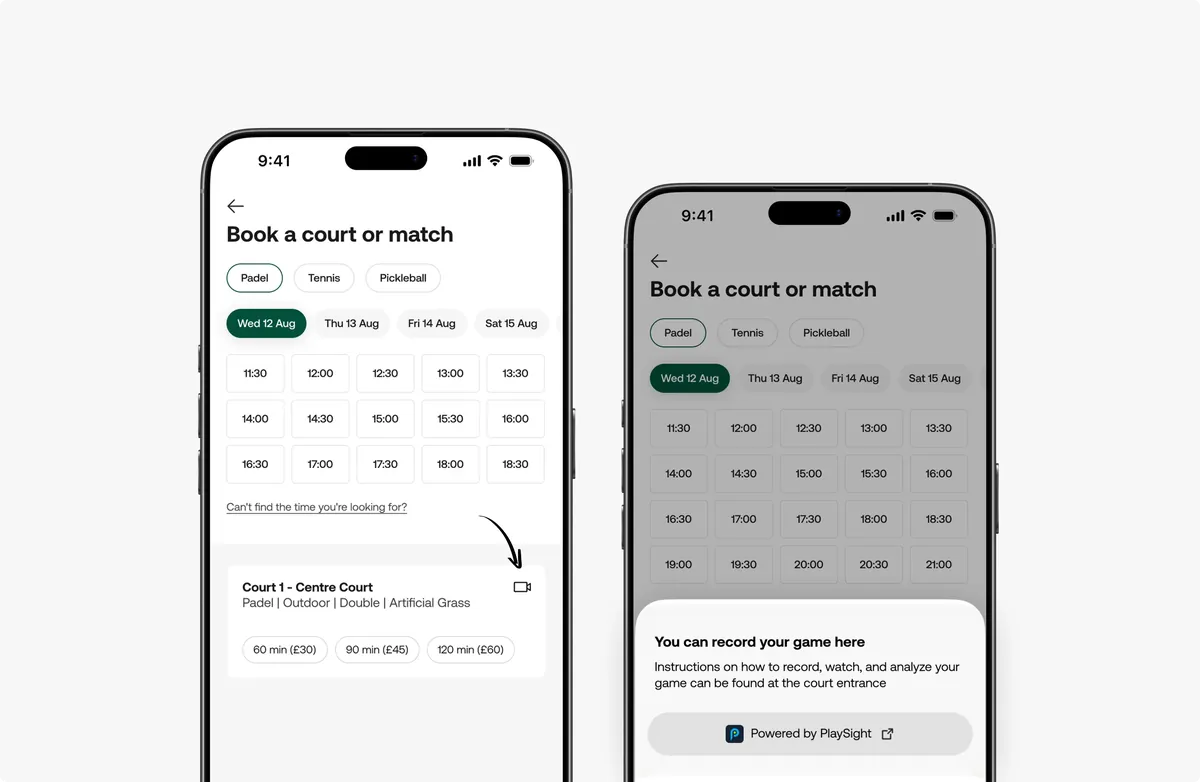
- Players and staff can post an open match, activity or court booking into a channel, and others can join straight from the post
- Decide whether players can start their own channels and whether members can invite friends. Your staff can see and manage every channel at the club.
- Members get a push notification for new messages and can mute a channel at any time
Why this feature matters
Most clubs run their community on WhatsApp groups that staff manage from personal phones, cut off from their bookings. When a game needs a fourth player, someone posts in the group and the booking still has to happen somewhere else. With community channels, the conversation sits right next to the booking: an open spot can be filled from the post itself, your staff can see what’s going on, and players don’t need to share phone numbers to play together. It’s your community, so it should live in your club’s app.